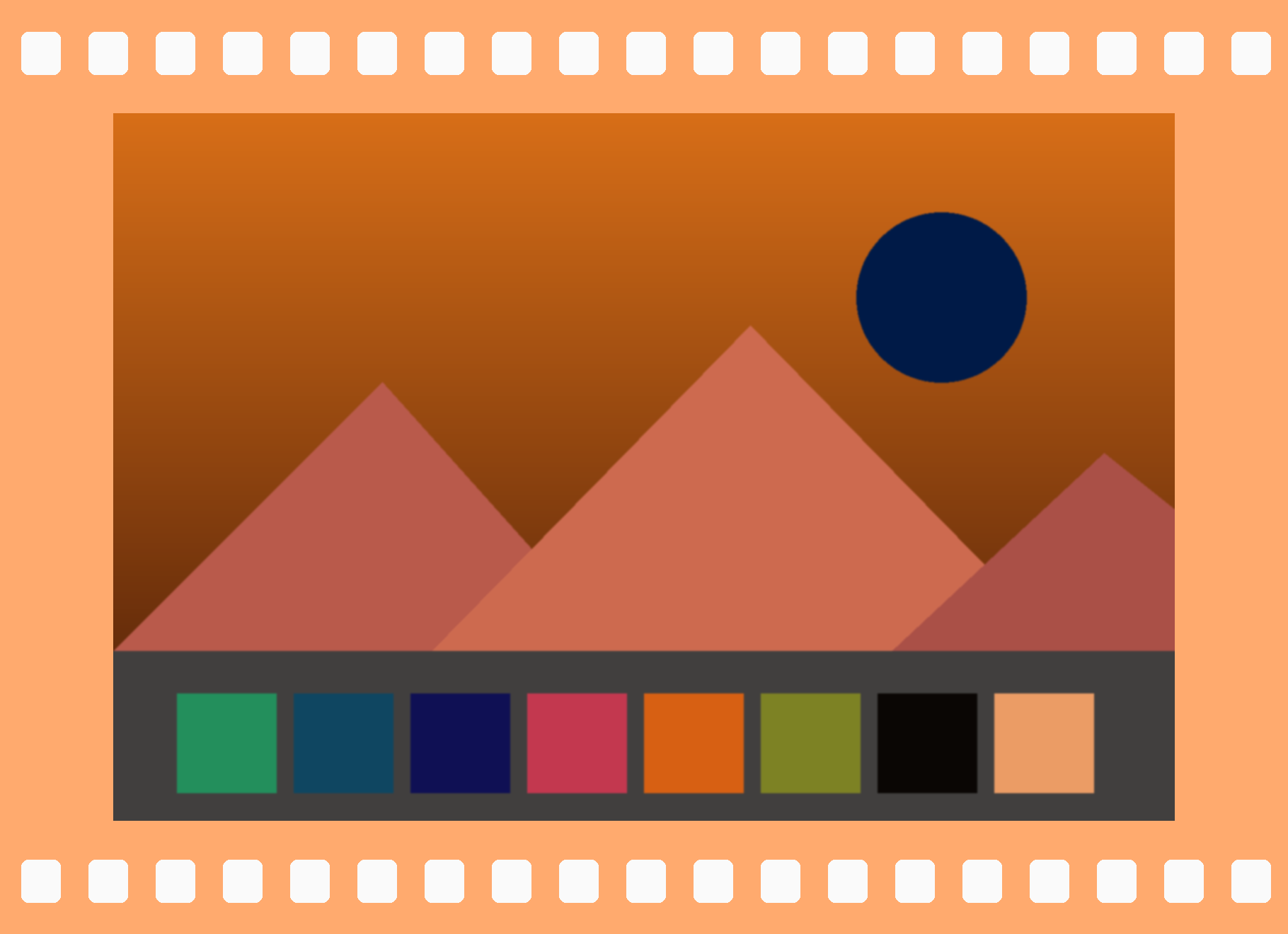
見本のネガ(フィルムが手元に無いときに)
- この画像を、パソコンやタブレットの画面いっぱいに表示します(画像を押すと画像だけが開きます)。画面の明るさは最大に。
- iPhone でネガスキャンを開き、画面から 15〜25cm ほど離して、画像に向けます。
- その場でポジ(元の色)に見えます。シャッターを押すと写真アプリに保存されます。
Sample negative (if you don’t have film at hand)
- Show this image full screen on a computer or tablet (tap the image to open it alone). Set the screen brightness to maximum.
- Open NegaScan on iPhone and point it at the image from about 15–25 cm (6–10 in).
- The live view shows it as a positive (original colors). Press the shutter to save it to Photos.